
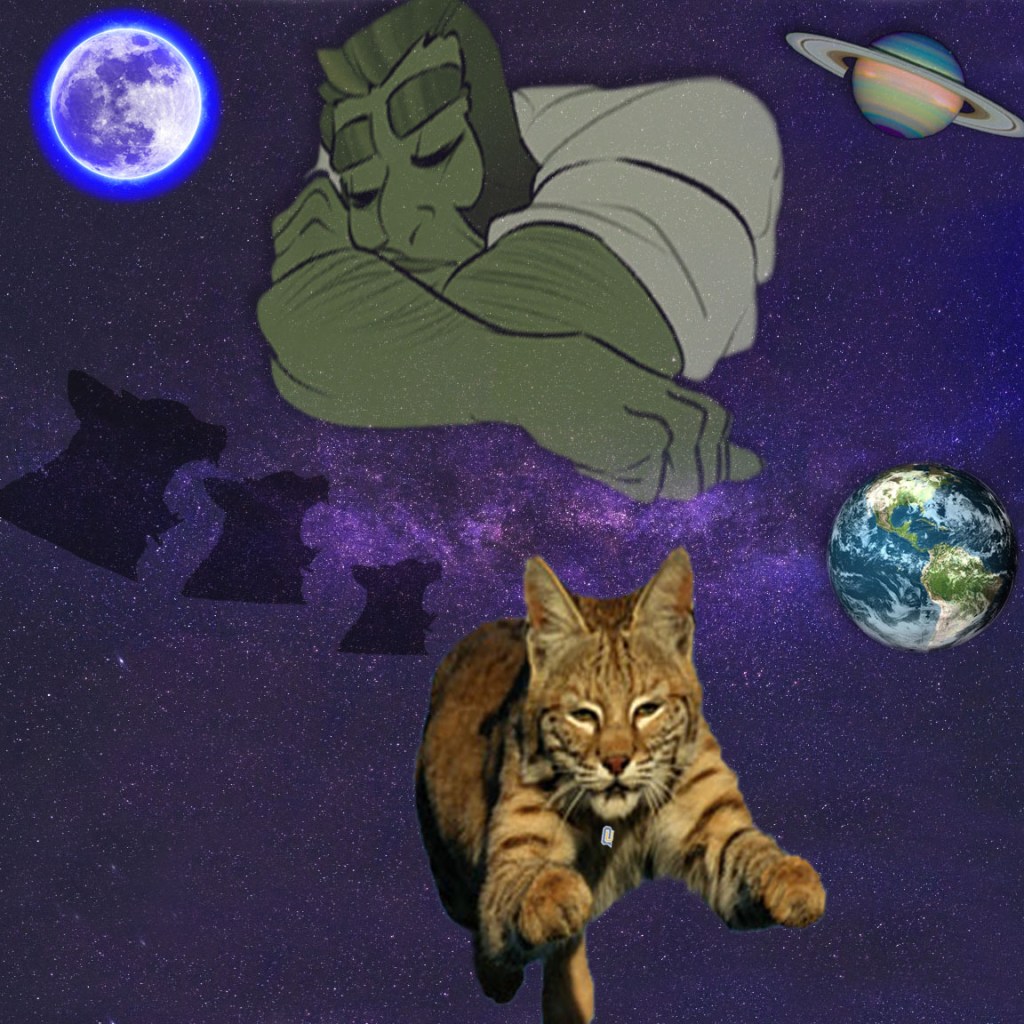
To begin, I found a space background and adjusted the image by changing its size to a 12×12, 150 ppi and RGB. To fill in the white on the bottom and the top of the image, I used the clone stamp. In order to select the images, I either used the elliptical marquee to achieve the perfect circle cut out or the quick selection tool. Next I selected a mask to adjust the edges with feathering, contrast, and shift edge. To add the cut outs to the background I copied and pasted the images and played around with their placement and transformation. Following that depending on the image, I adjusted the hue and saturation, perspective, and for some and added a drop shadow. My inspiration for this came from the legend of the bobcat with sleeping giant. For one of my images I wanted to make it seem as if the sleeping giant was looking down at the bobcat heading to QU. I hoped to set the mood with the glowing moon, and the silhouette of the bobcat in the moon as well. In my other creation I wanted to make it seem as if the solar system was surrounding around the bobcat named QU and the sleeping giant looking down on Qu. I used the starry night background in hopes to eliminate some of the negative space. The sky is the limit for us students here at Quinnipiac.
https://pxhere.com/en/photo/1563999 starry night
https://pixabay.com/illustrations/full-moon-moon-full-night-sky-2055469/ moon
https://commons.wikimedia.org/wiki/File:QU_wordmark.png qu
http://bioweb.uwlax.edu/bio210/s2013/gerzsik_robe/bodyfeatures.htm bobcat
https://webstockreview.net/explore/clipart-sleeping-sleeping-giant/ giant
https://www.flickr.com/photos/nasahubble/46665456131 saturn
https://pixabay.com/photos/planet-earth-earth-planet-global-4427436/ earth
http://www.publicdomainfiles.com/show_file.php?id=14023846218577 bobcat
 Sydney's Blog
